

3ds首款模拟器3DS Emulator问世:模拟器运行配置公开
时间:2012-08-31 15:18:20 来源:k73电玩之家 作者:小四 热度: 150954 次
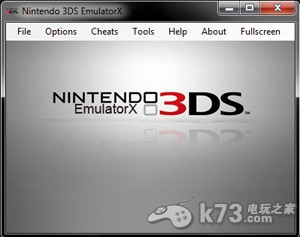
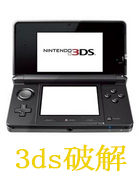
今天绝对是一个让众多电玩玩家开心的日子,任天堂于2011年发售的最新裸眼3d掌机3ds的首款模拟器终于诞生了!这款名为3DS Emulator现在已经可以运行模拟器游戏,而模拟器也解决了3ds的游戏锁区问题,各版本游戏均可运行。
今天绝对是一个让众多电玩玩家开心的日子,任天堂于2011年发售的最新裸眼3d掌机3ds的首款模拟器终于诞生了!这款名为3DS Emulator现在已经可以运行模拟器游戏,而模拟器也解决了3ds的游戏锁区问题,各版本游戏均可运行。
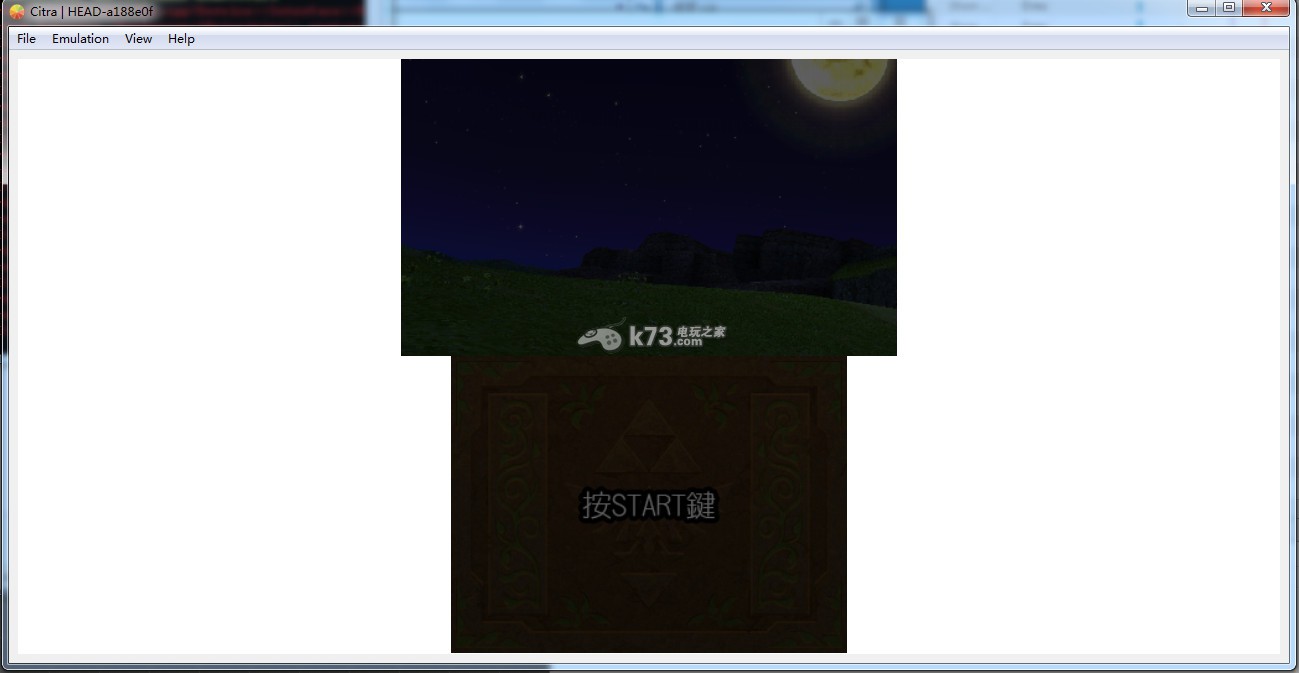
3DS 模拟器 Emulator下载(已更新:Citra3ds模拟器)
原文:
3DS Emulator
3DS Emulator 1.1.2 Update! Released:
- Doesn't freeze anymore when you try to save -
- Slight increase of fps -
- Few minor bugs fixed -
--------------------------------------------------------------------------------
3DS Emulator is a closed source Nintendo 3DS emulator for PC and Mac. In this third release there are already many 3DS games playable, and several games even have full functionality (like Mario Kart 7). This unique emulator is the first that allows users to experience the real 3D effect.
lots of people all over the world know the Nintendo 3DS. The 3DS Emulator is a user friendly program that allows you to play Nintendo 3DS games on the PC & Mac.
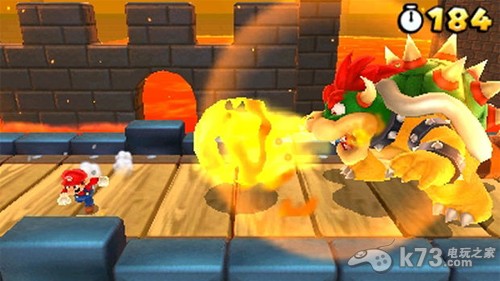
This emulator is the kind of free software that hardcore gamers need to have in their collection(especially when new games are launched and they are only available on the 3DS) This emulator gives you the possibility to play the 3DS games on your PC and Mac.
This emulator doesn't require any installation, just download uncompressed and open. Other emulators need installation for special regions but 3DS Emulator is region free.
The first time you open the emulator you will have the possibility to change your resolution. when you open the configuration screen the default is the original size 800�240(2x 400�240 per eye WQVGA) and the lower screen 320�240 pixels. You can change this however it would make the screen a bit more pixelated.
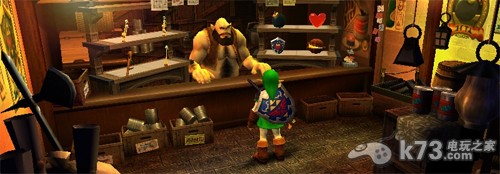
There is one thing you need to do in order in order to use to 3DS Emulator. You need to have the original BIOS of Nintendo 3DS, its illegal to use copy of a BIOS. If the 3DS Emulator cant find a genuine BIOS the software wont run.
Once you have set everything up, you can play 3DS & DS ROMS with this 3DS Emulator.
3ds模拟器运行配置环境:
最低配置:(帧数很低)
Windows/Mac OS
* CPU: Dual Core 2.0GHz or equivalent processor
* 内存: 2 GB
* HDD: 10+ GB(mainly for ROMS)
推荐配置:(保持帧数在50/60 fps)
* 操作系统: Windows 7/Vista/XP/Mac OS (32 or 64 bit)
* CPU: 四核酷睿处理器Intel或者AMD CPU
* 内存: 4 GB
* HDD: 10+ GB
* 显卡: 1 GB 显存
不过小编在此要提醒大家的是,模拟器运行需要使用官方的bios才能进行游戏,而bios是需要付费下载的,请玩家酌情考虑,以防上当受骗。
热门新闻
-
Citra3ds模拟器游戏解密转换格式方法
Citra3ds是一款pc平台的3ds模拟器,这款模拟器目前仅支持部分解密了的游戏,那么如何自己制作对于格式游戏并解密呢?下面分享功能。
发布日期:2019-08-16 01:22:50
-
citra3ds模拟器黑屏解决方法
citra3ds模拟器一些玩家发现自己安装后加载游戏后并不难游玩,而画面是黑屏的,下面分享解决方法。
发布日期:2019-08-05 11:51:18
-
citra3ds模拟器dlc的XXX.bin制作方法
citra3ds模拟器可以通过解包dlc来使用dlc了,那么3ds模拟器使用dlc的XXX.bin怎么制作呢?下面简单介绍一下。
发布日期:2019-08-18 02:45:58
我要评论 查看全部评论 (10)>>









![switch极限超频整合包下载[switch21.1.0+大气层1.10.1]](http://pic.k73.com/up/soft/2023/0307/115552_76768556.jpg)
![switch大气层官方纯净包下载[兼容21.1.0系统]](http://pic.k73.com/up/soft/2023/1013/100444_17934083.jpg)
![switch龙神模拟器中文电脑版下载[ryujinx]](http://pic.k73.com/up/soft/2022/1205/102918_96855781.jpg)


k73玩家2015-07-29 17:48:35评论 (5) (0) 回复
k73玩家2015-05-27 11:10:19评论 (4) (0) 回复
k73玩家2015-04-17 10:26:44评论 (7) (1) 回复
k73玩家2014-12-17 16:53:28评论 (19) (1) 回复
k73玩家2014-12-08 17:44:39评论 (9) (1) 回复
k73玩家2014-02-13 00:15:06评论 (13) (0) 回复
k73玩家2013-08-11 09:34:40评论 (18) (0) 回复
k73玩家2012-11-24 21:32:41评论 (26) (6) 回复
k73玩家2012-10-26 10:48:25评论 (27) (3) 回复